
Current records
Bookings, customers, quotes, warehouse and Drive.
Dexter · Your operational AI
Ask naturally. Dexter checks the work and returns the answer with a useful next step.
Get the answer, its sources and the next action without opening every screen.
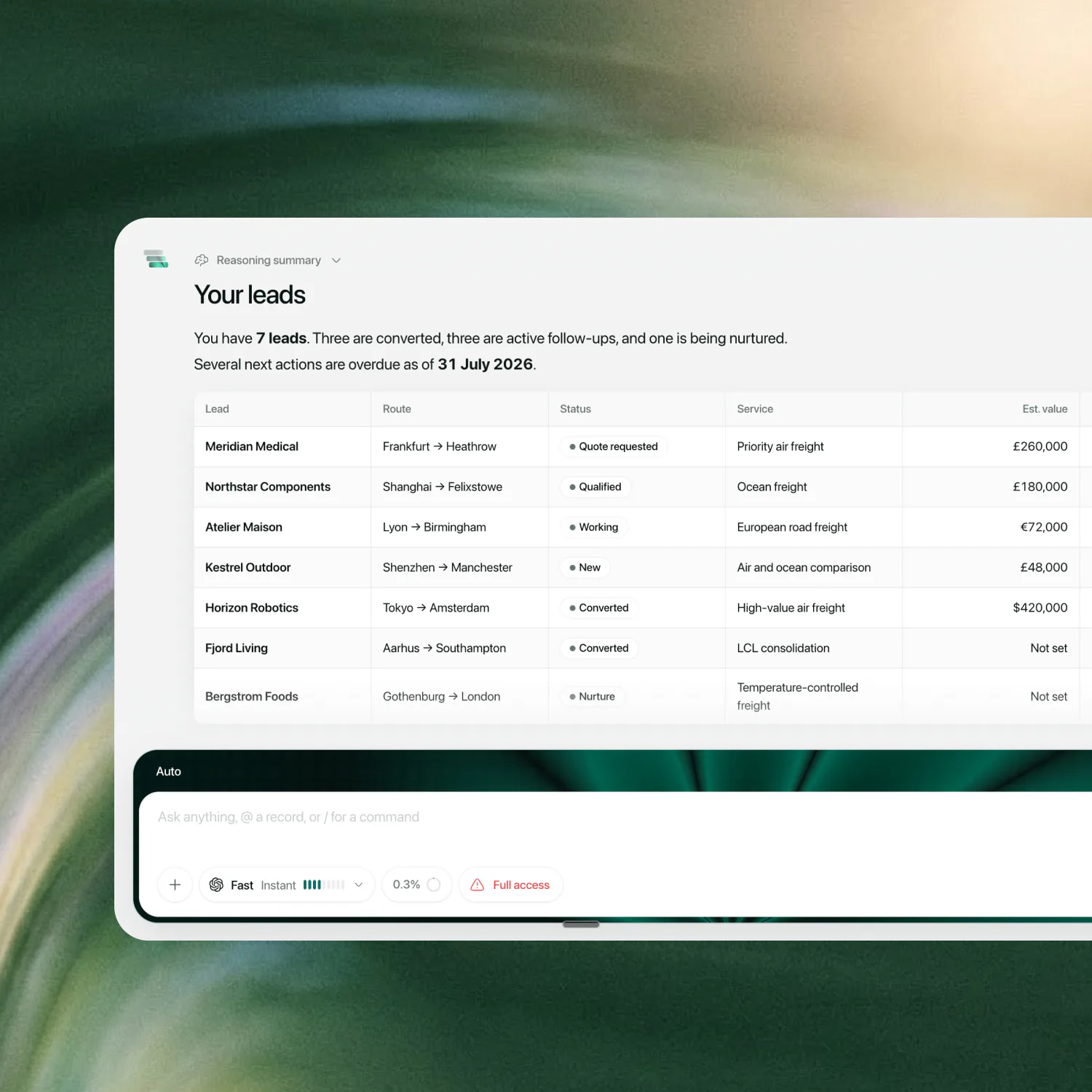
With permission, Dexter follows the question across Multideck, email and your files.
Bookings, customers, quotes, warehouse and Drive.
Authorised Gmail and Outlook threads.
PDFs, documents, spreadsheets and images.
Sales, Customs, Ops, customer comms or analytics.
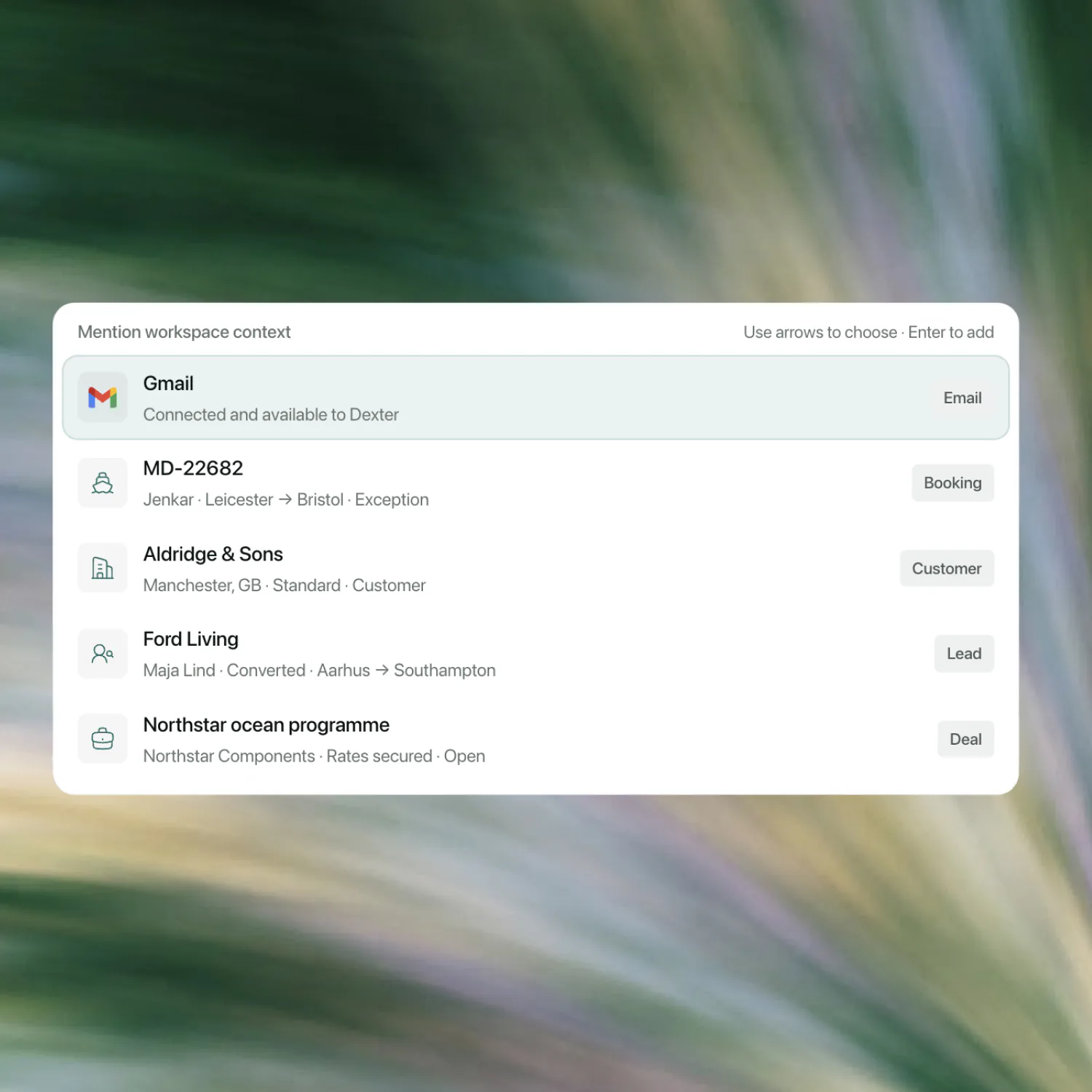
Mention the context. Add the mailbox, booking, customer, lead or deal.
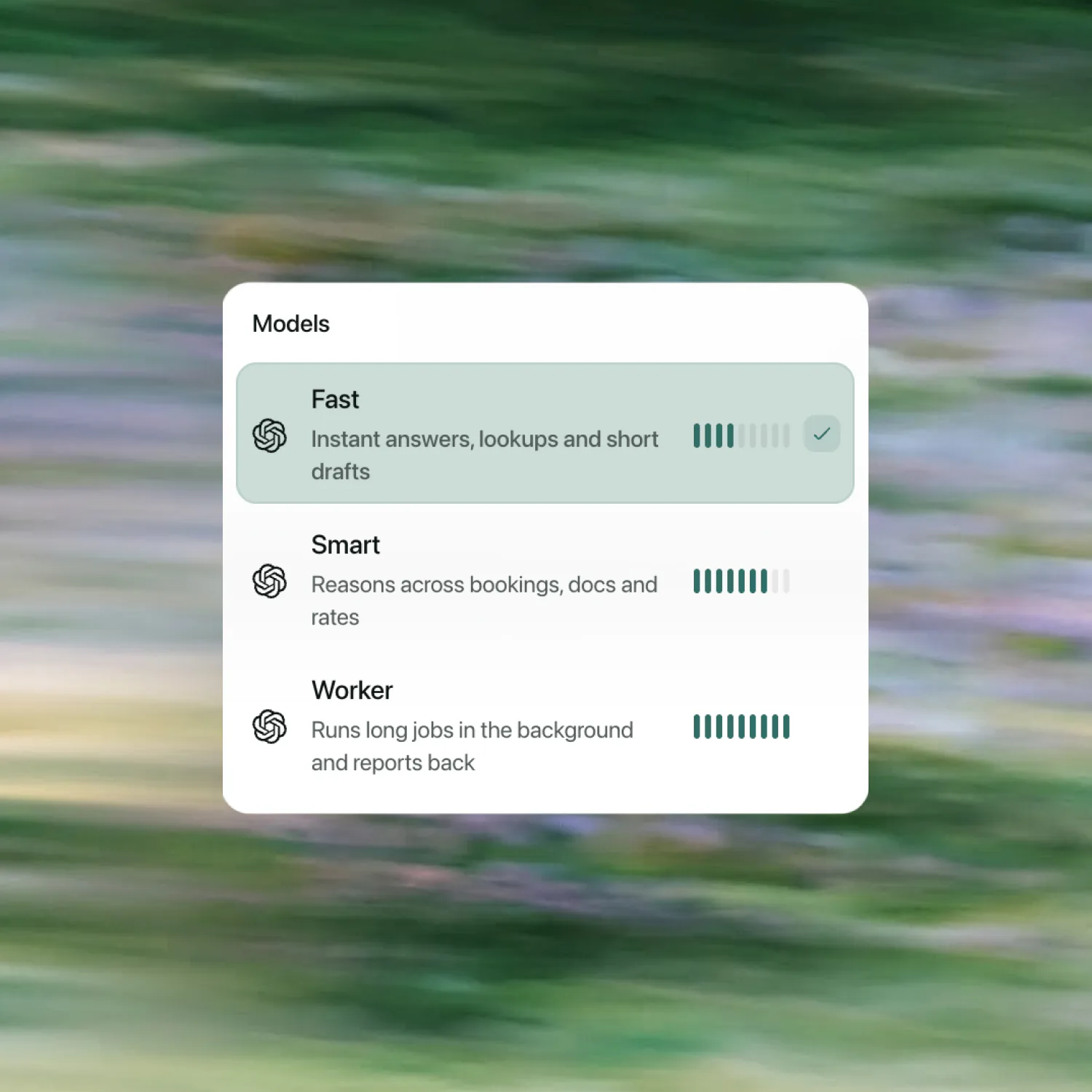
Start fast or go deeper. Auto keeps the first question simple.
Ordinary requests from a freight desk, not special commands.
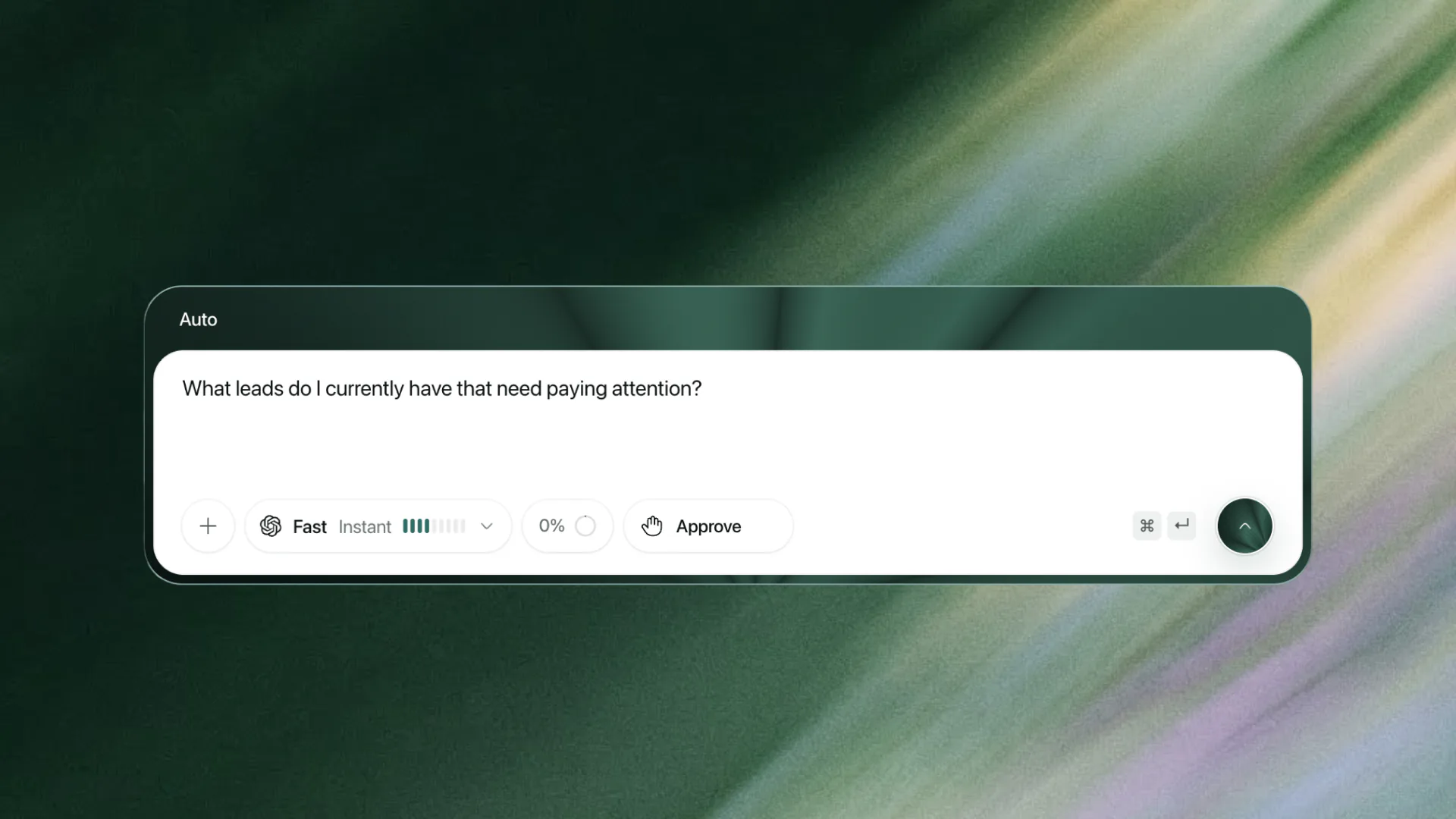
Find what needs attention
See live leads and the overdue actions that need a person.
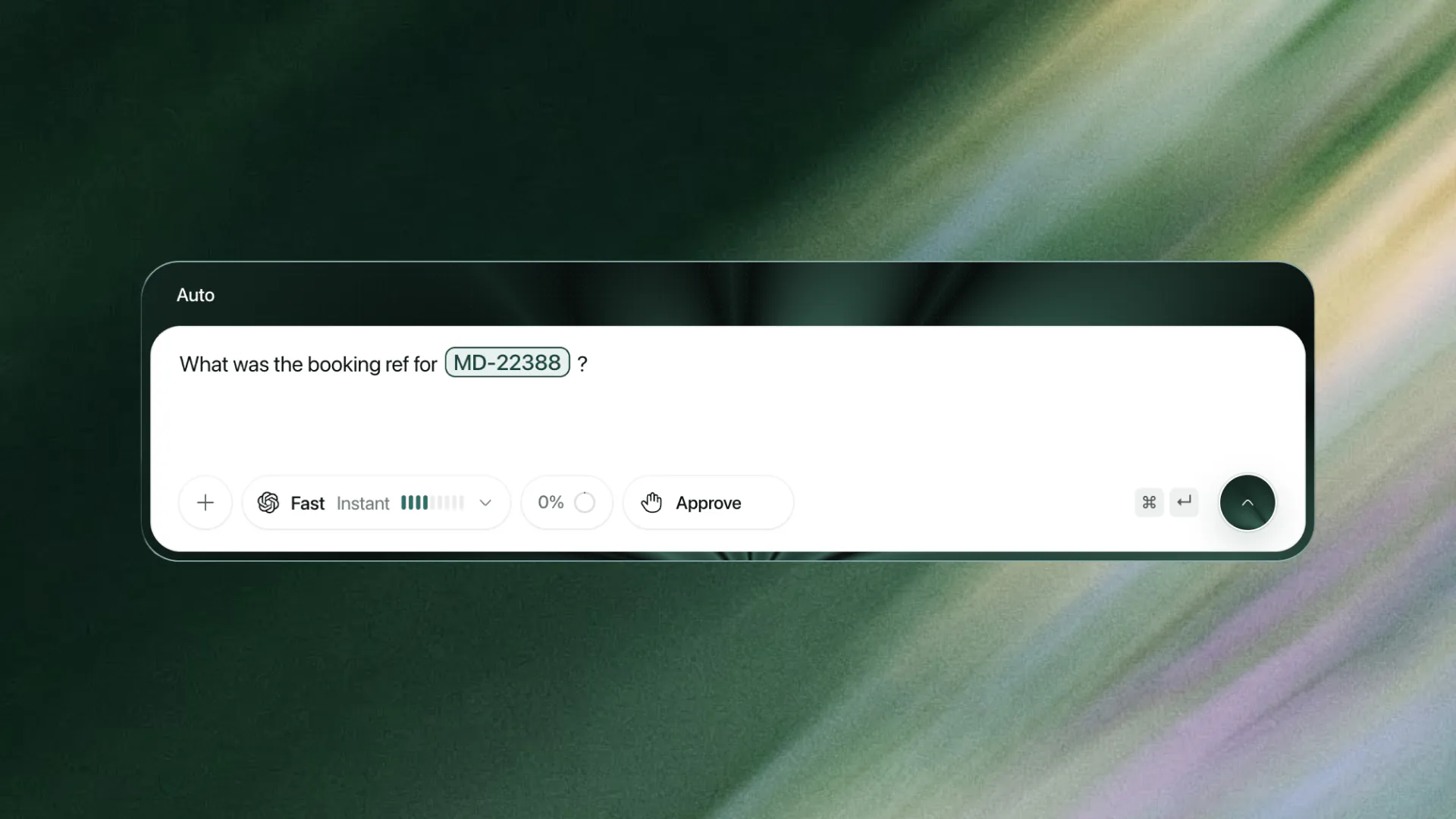
Find a booking detail
Ask for the booking and get the live reference.
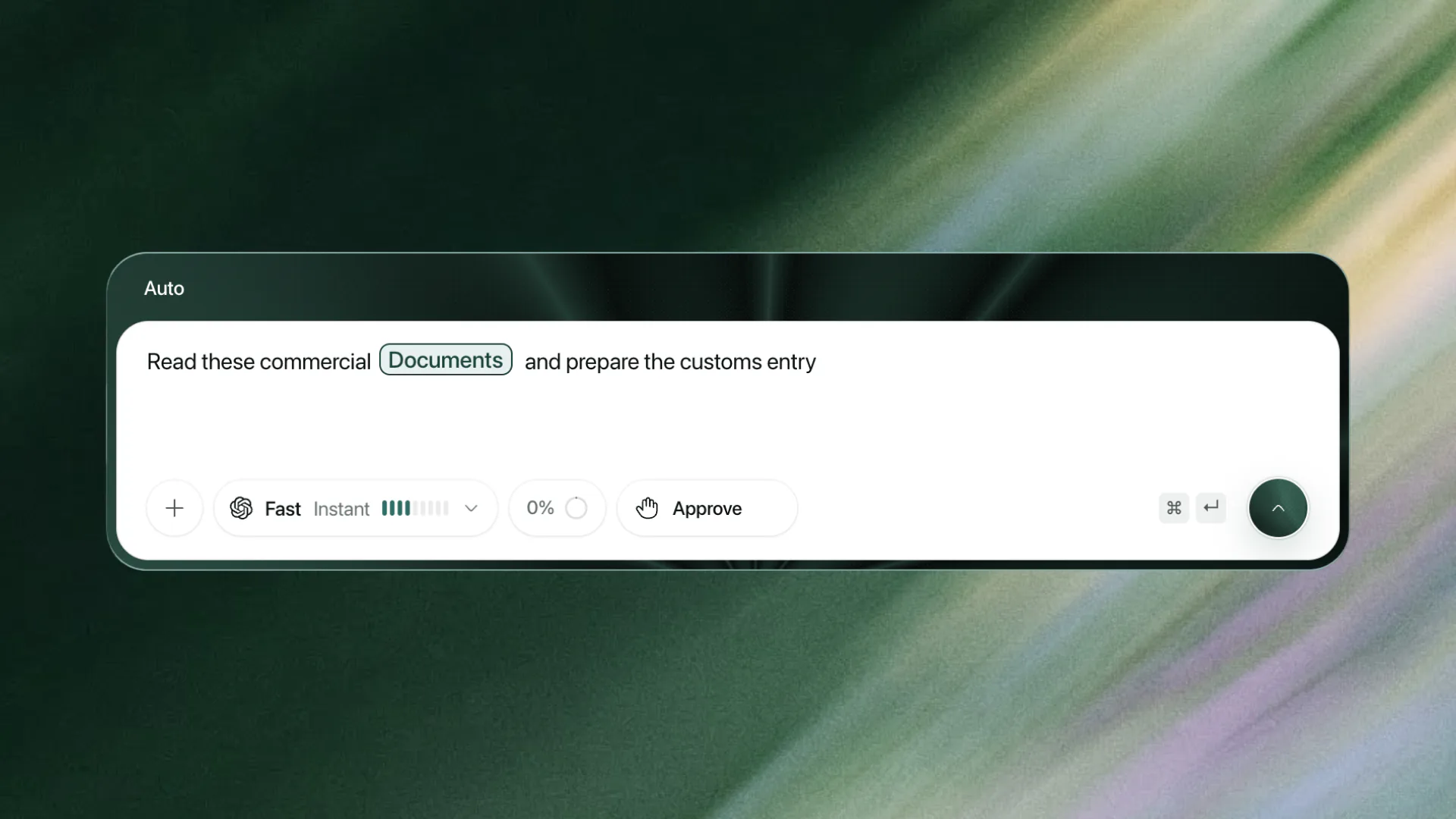
Work from your documents
Attach the evidence and prepare the work for review.
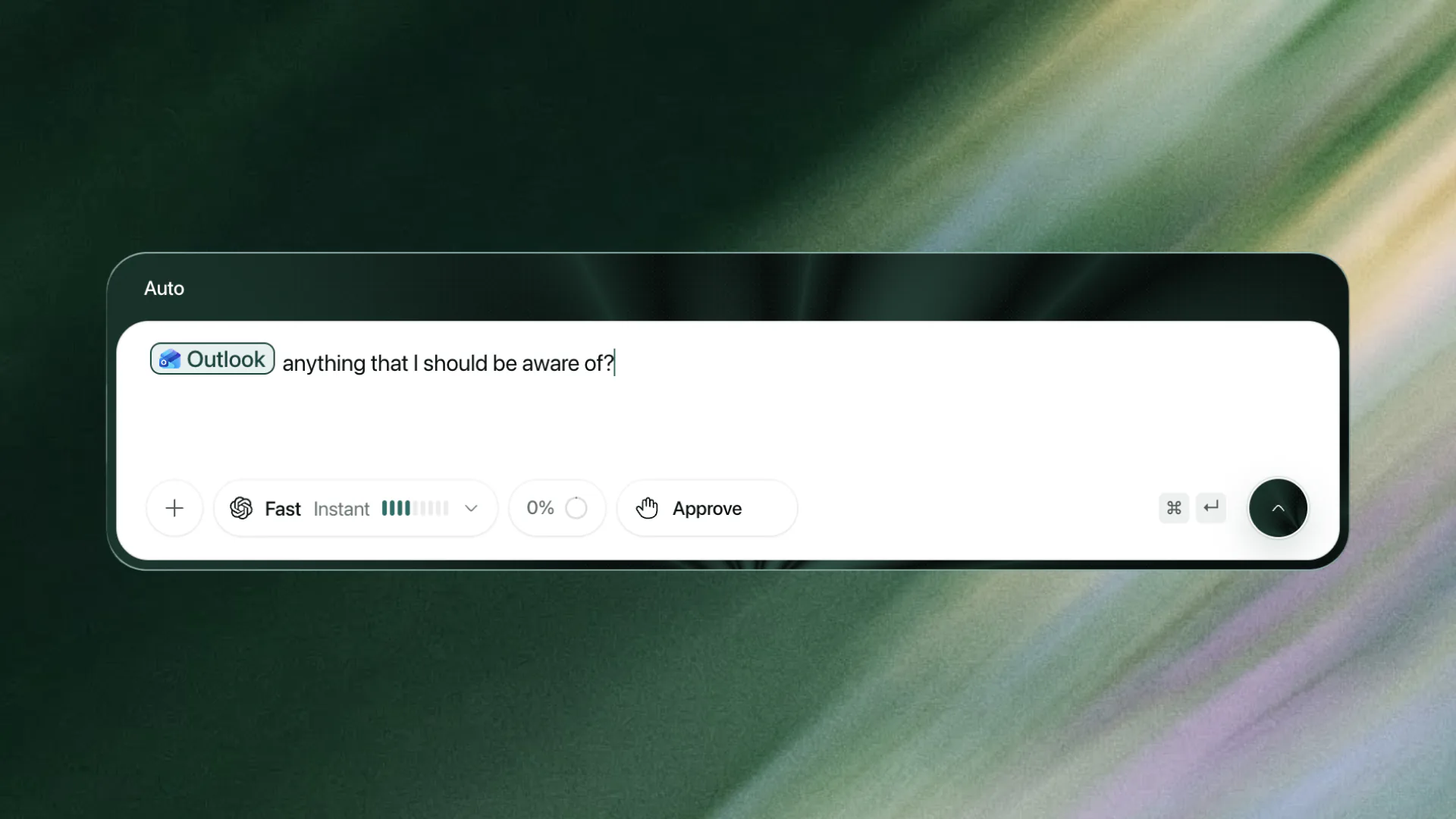
Ask the inbox
Search an authorised inbox and bring back the useful evidence.
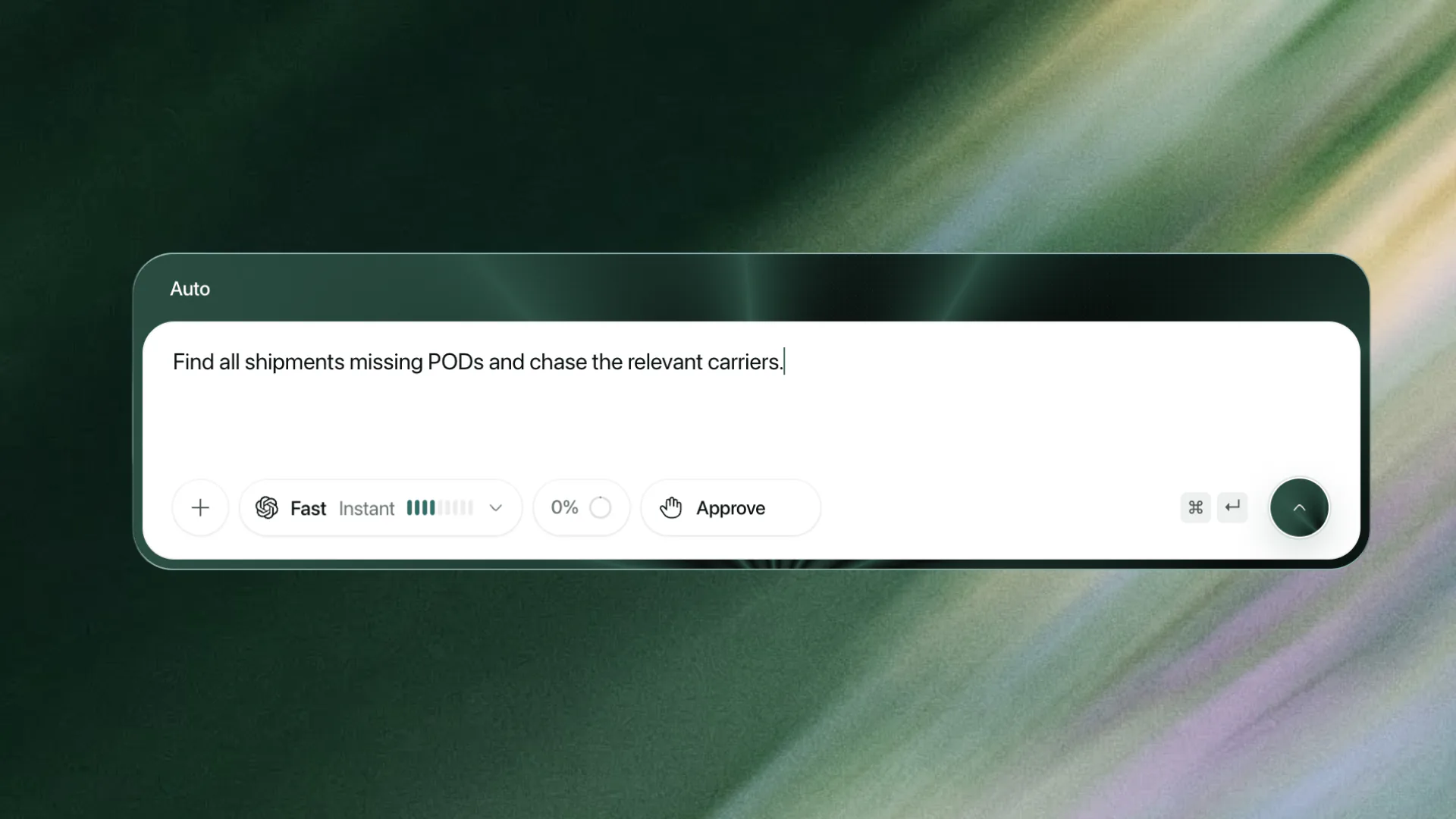
Turn a list into action
Find the missing PODs and prepare the carrier chases.
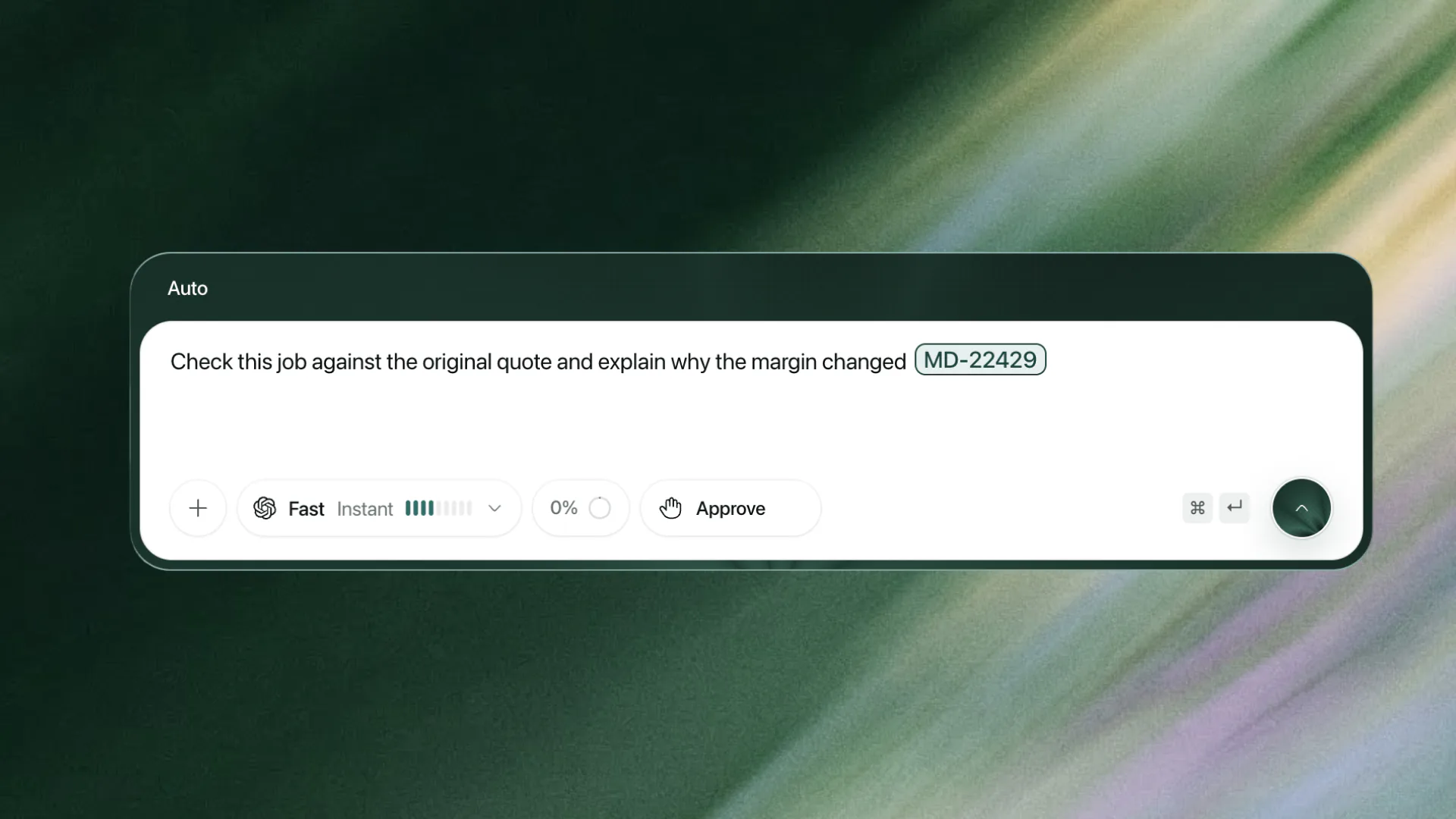
Explain what changed
Compare the job and quote, then cite the cause.
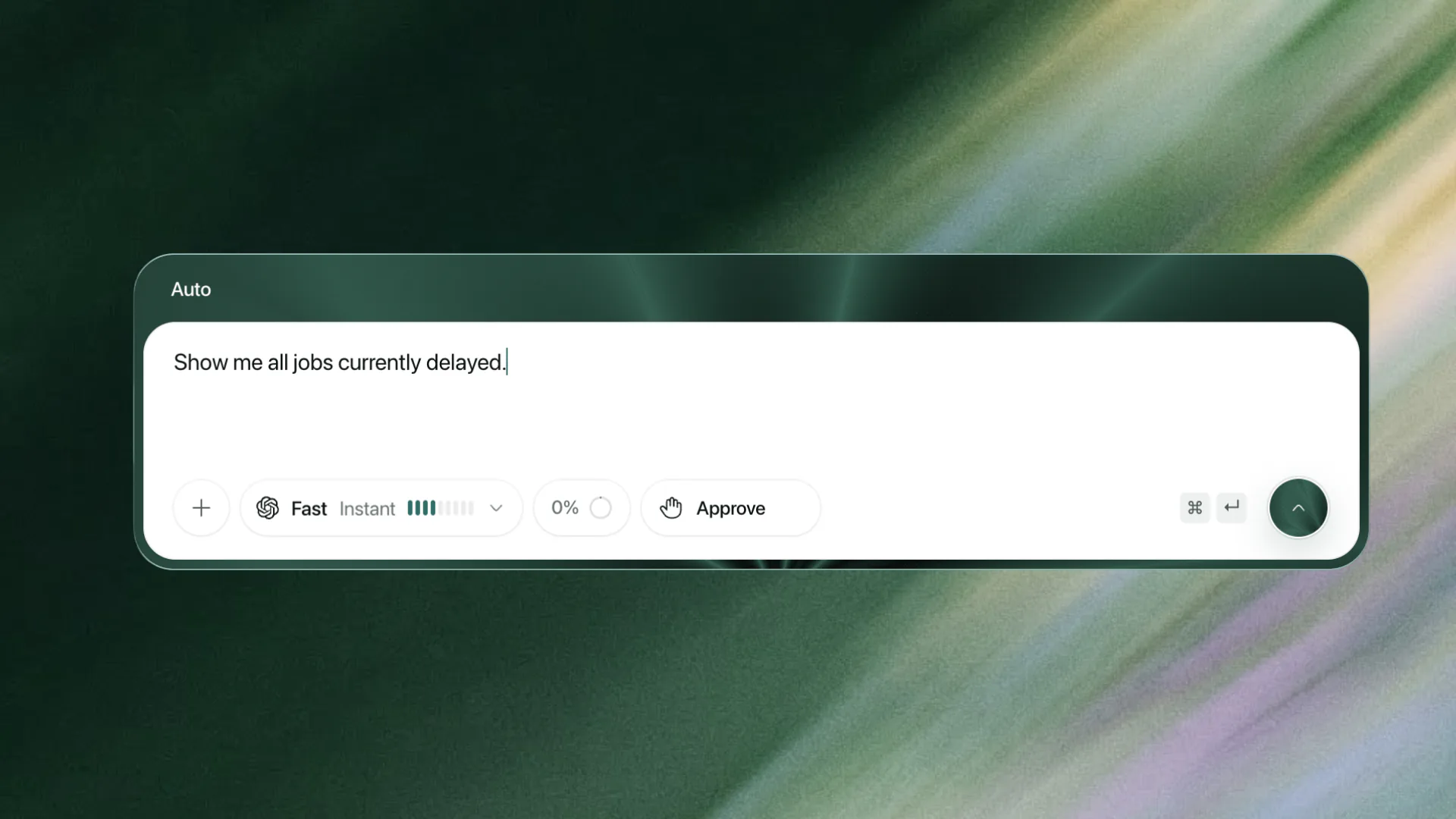
See every live delay
Turn a broad question into a current list of affected jobs.
01 / 07
A commercial invoice lands in the inbox. Dexter reads the attachment, lifts each value off the line it came from, and prepares the booking update for a person to approve. Scroll to follow it through.
See the current value, proposed change and reason before anything happens.
Press ⌘ D or Ctrl D. Dexter opens with the field, row or document already in context.
Create a private watch and get alerted when the record or matching email changes.
For operational work, an honest unknown beats a confident guess.
Open and verify the exact record.
See what could not be confirmed.
Read only what the operator may access.
Review supported changes before they happen.
Bring a real booking, inbox question or exception. Judge the evidence and the next step.