
Inbox · Keep every message in the workflow
Your email,without the operationalblind spots.
One place for the inboxes your work depends on.
Connect Gmail and Outlook without asking the team to abandon the mailboxes they already use. Multideck brings the work into one operational view while the provider stays the source of truth.

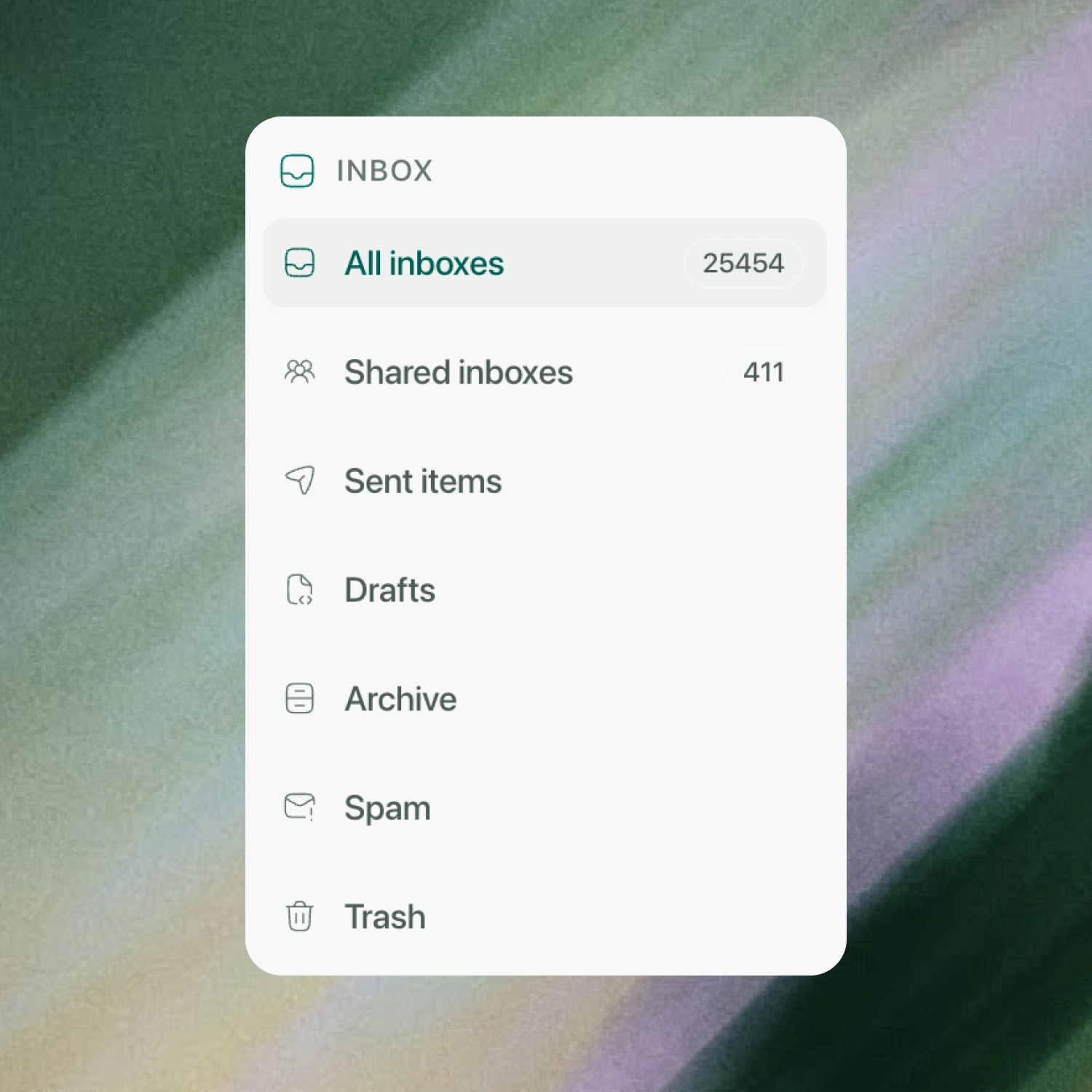
Personal mail. Shared mail. One clear route through it.
Move between every connected inbox, shared Outlook mailboxes and Google Group inboxes, then open Sent, Drafts, Archive, Spam and Trash without changing tools.
- All connected inboxes
- Shared team mailboxes
- Provider folders kept intact
Everything you need to clear the thread.
Star what matters, mark it read, archive it, delete it, reply, reply all or forward. Search the mailbox and keep the provider folders your team already understands.
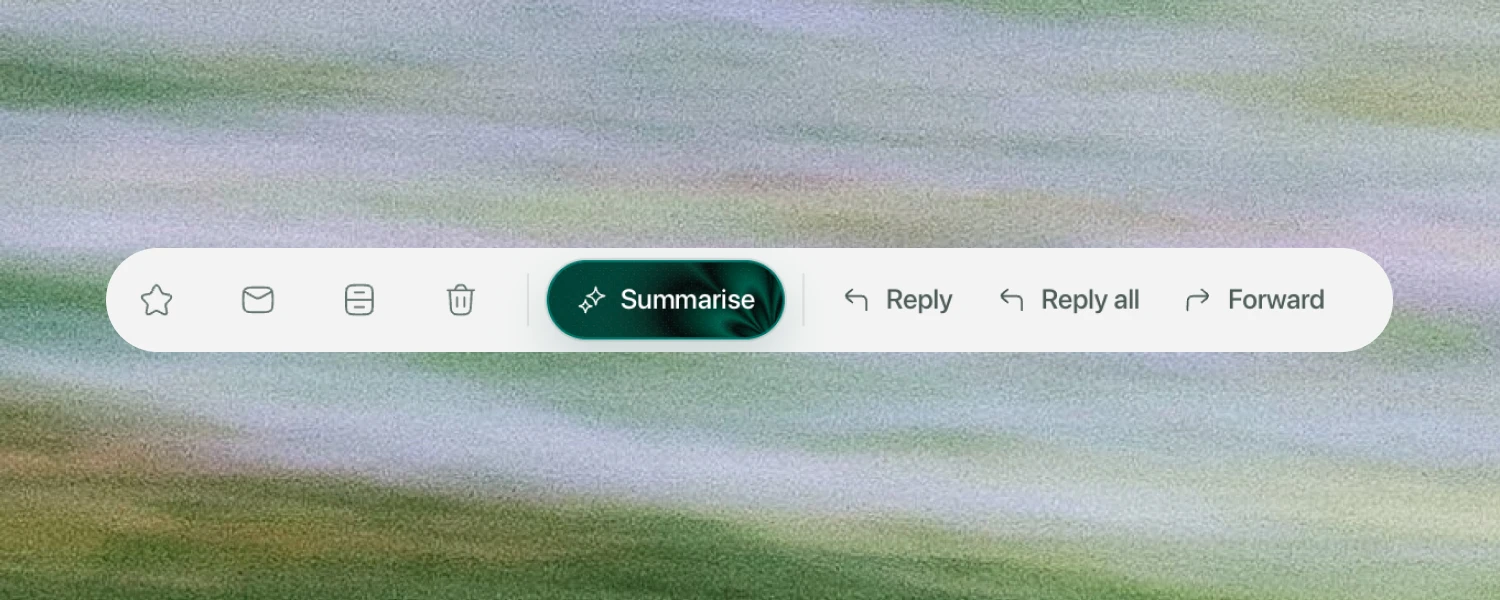
SearchStarArchiveDeleteReplyReply allForward
Dexter works where the email work happens.
Summarise a long thread, compose a new message or prepare a reply with Dexter. Every draft stays editable, and nothing sends until a person chooses to send it.

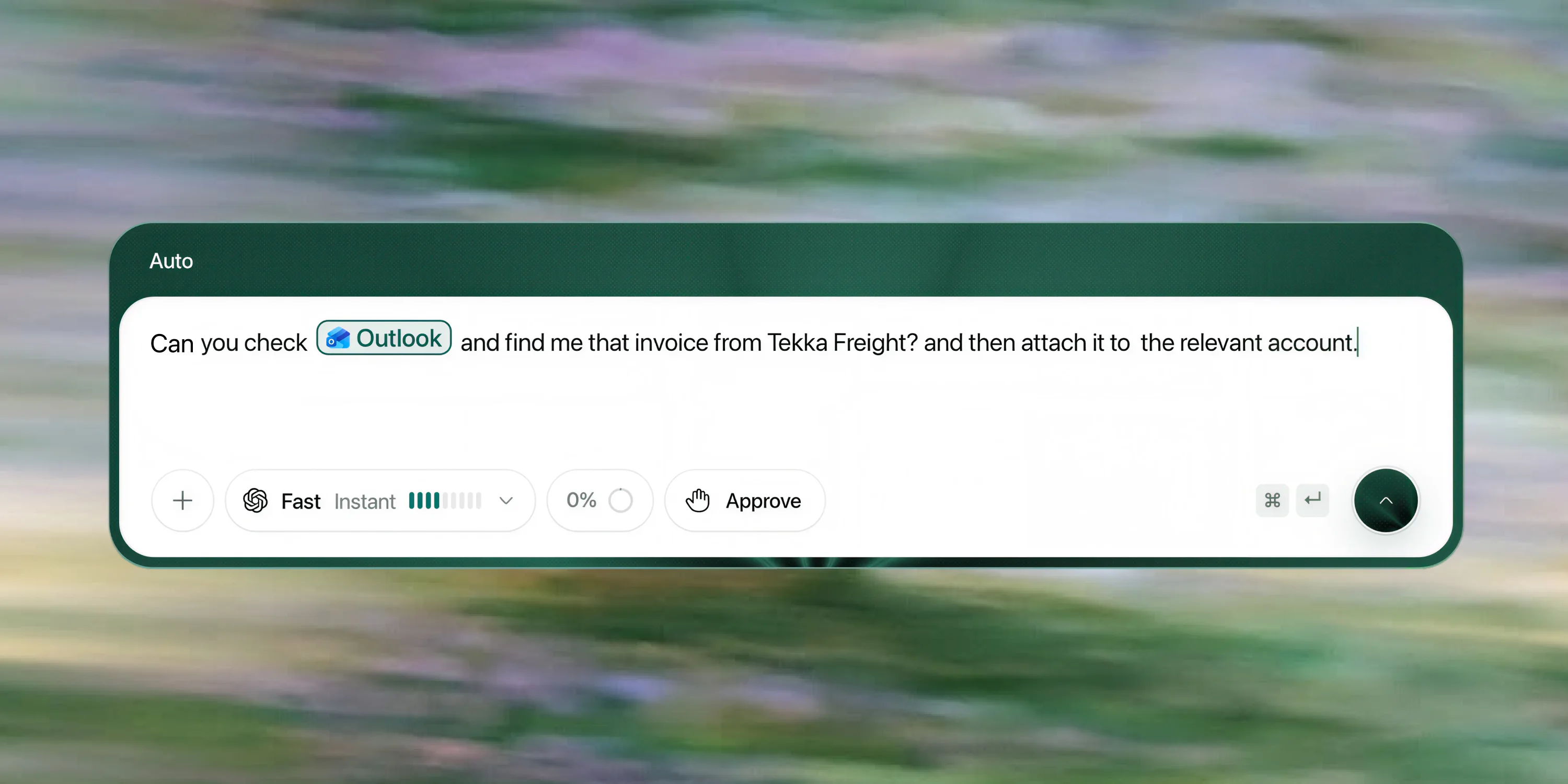
Ask Dexter what was actually said.
Dexter can search authorised Gmail and Outlook mail, open the relevant thread and inspect a supported attachment when the question depends on it. The answer stays linked to its email source and within the operator's access.
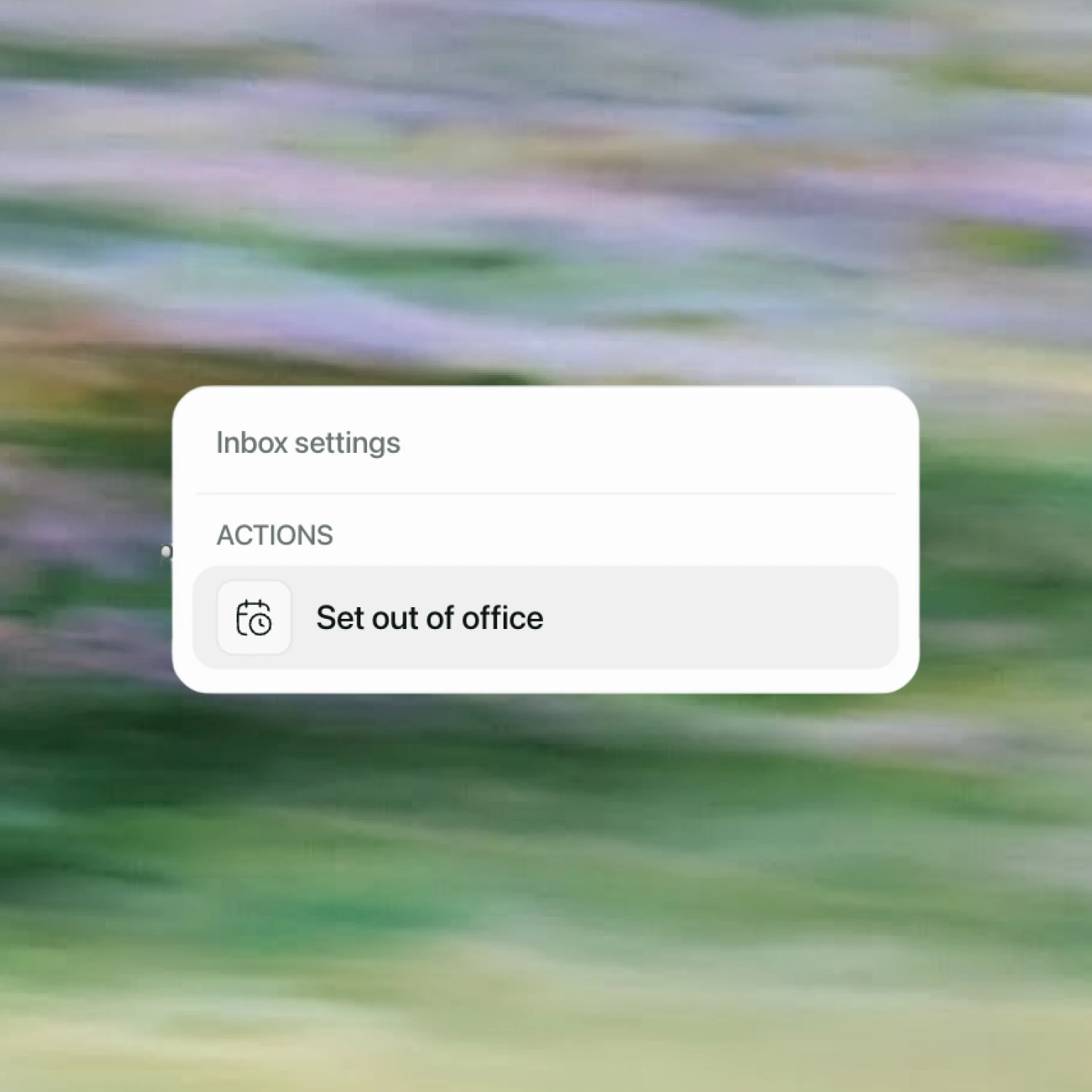
Out of office, without going out of your way.
Set or edit an automatic reply from the mailbox you are already working in. Choose the dates, write the internal and external messages where supported, and keep Gmail or Outlook as the source of truth.
- 1Choose mailbox
- 2Set dates
- 3Write reply
- 4Save to provider
Your email should move the job forward, not become another place the job disappears.
Bring the inboxes your team works from today. We will show you how the same messages become visible, actionable work in Multideck.