
Check
Current stock, warehouse objects and movement history for the customer’s own organisation.
Warehouse · From expected receipt to confirmed dispatch
Plan receipts, control stock, manage movements and dispatch orders from one warehouse workspace. Keep every item, location and exception traceable.
The warehouse should not rely on somebody remembering where the stock went.
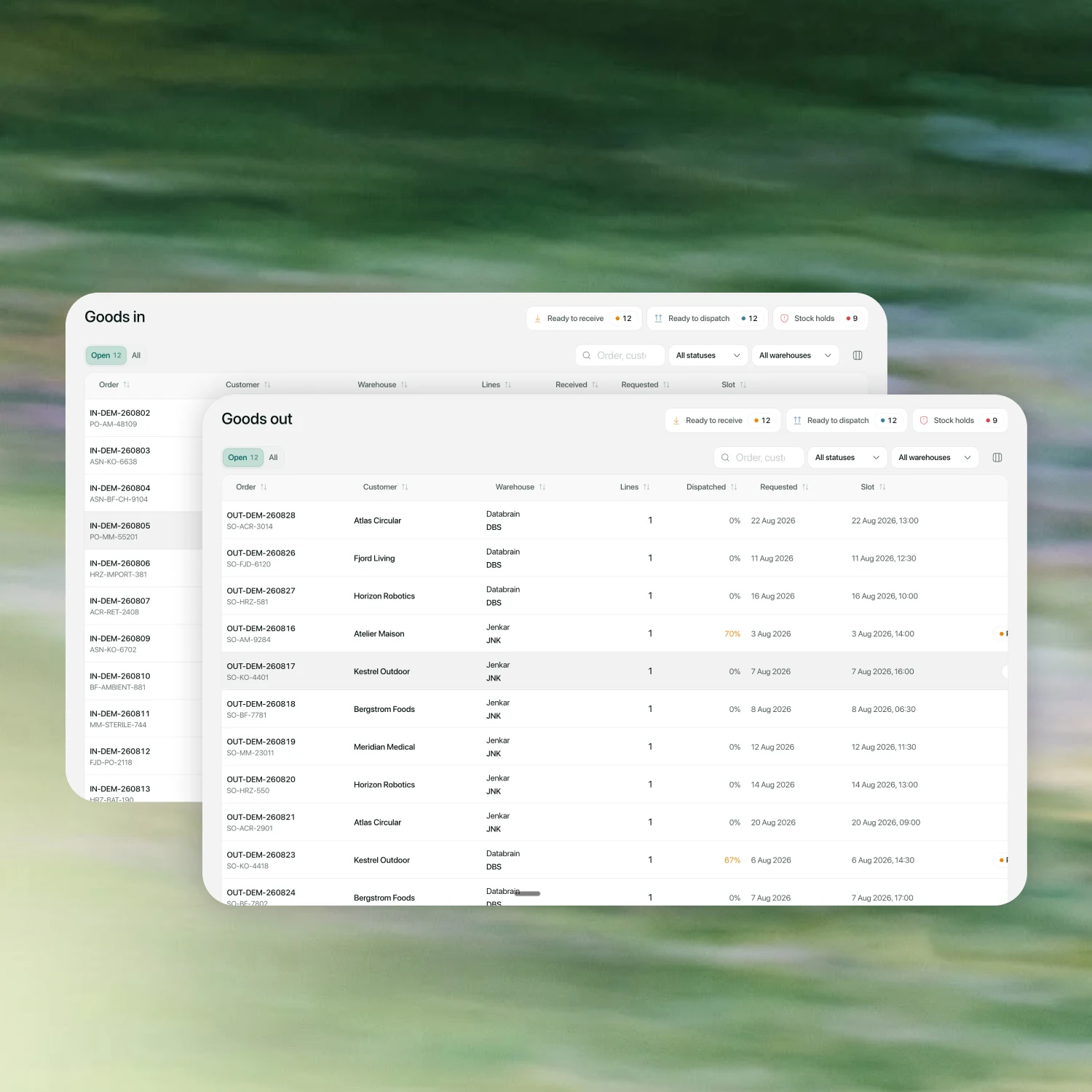
Appointments, open orders and recent movements stay connected, so the team can see today’s work before it becomes today’s problem.
Calendar
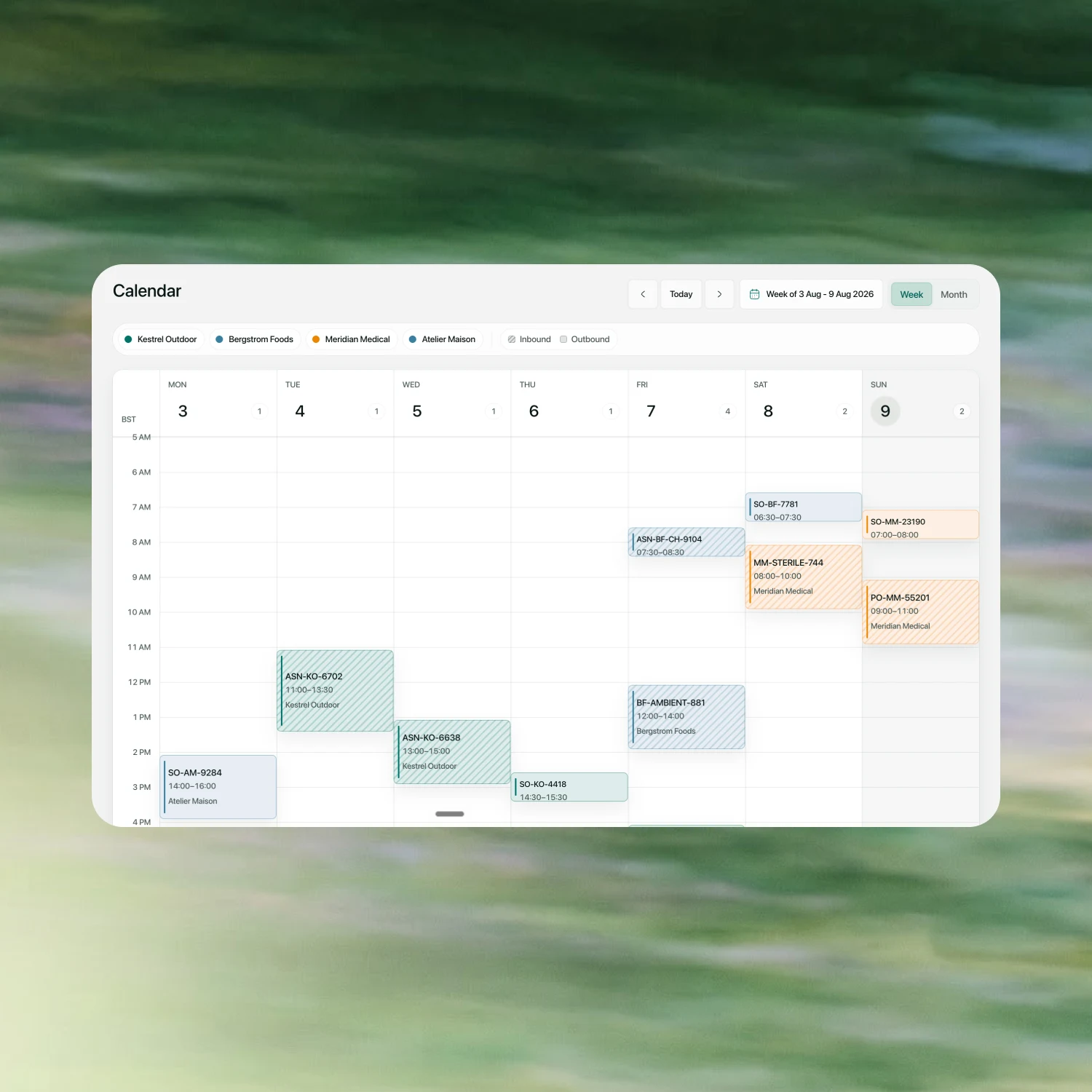
See inbound and outbound appointments by week or month, filter by customer, open the order behind a slot and move a booking without rebuilding the plan.
Product visuals may differ while Multideck is in development.
Product visuals may differ while Multideck is in development.
Post received, damaged and missing quantities line by line. Capture the pallet or container, put-away location, lot, batch, manufacture date and expiry before stock becomes available.
Book the slot. Check the load. Post the truth.
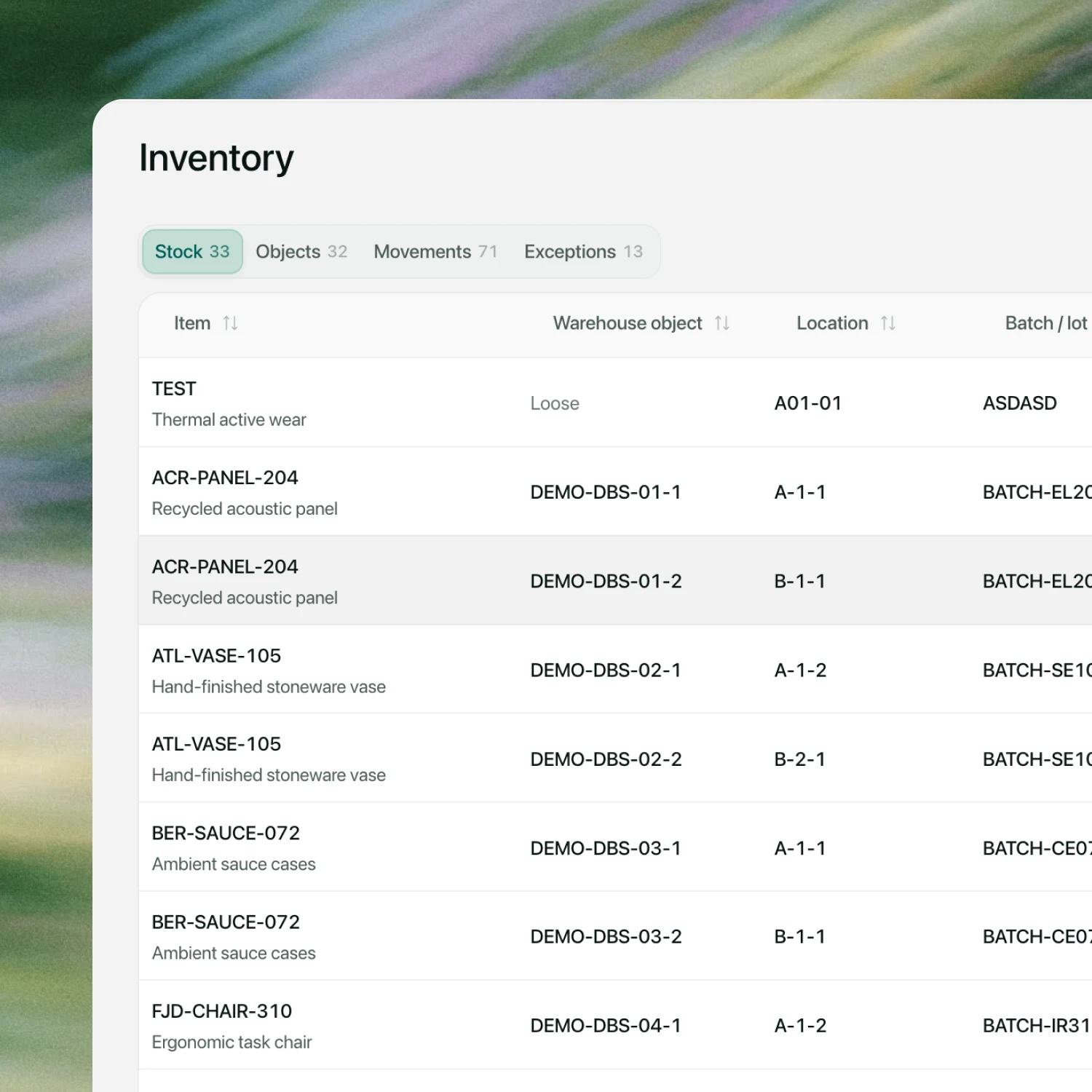
Stock, pallets and other warehouse objects, movements and open exceptions live in one inventory workspace. Search by SKU, pallet, batch or location, then act on the exact balance.
Product visuals may differ while Multideck is in development.
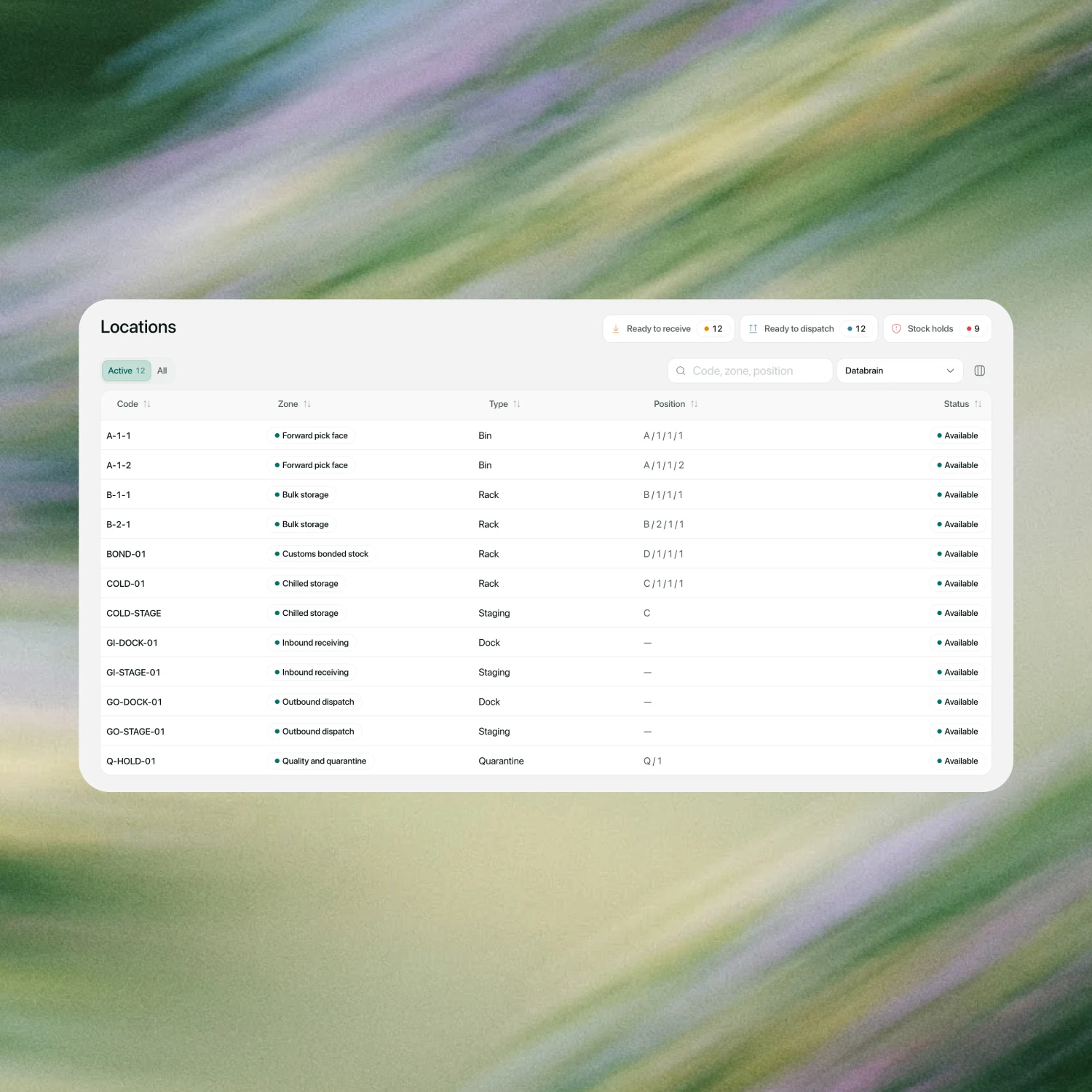
Define facilities, zones and scannable locations, then tell Multideck what each SKU needs: its unit of measure, handling rules, customs data, size, weight and receipt controls.
Product visuals may differ while Multideck is in development.
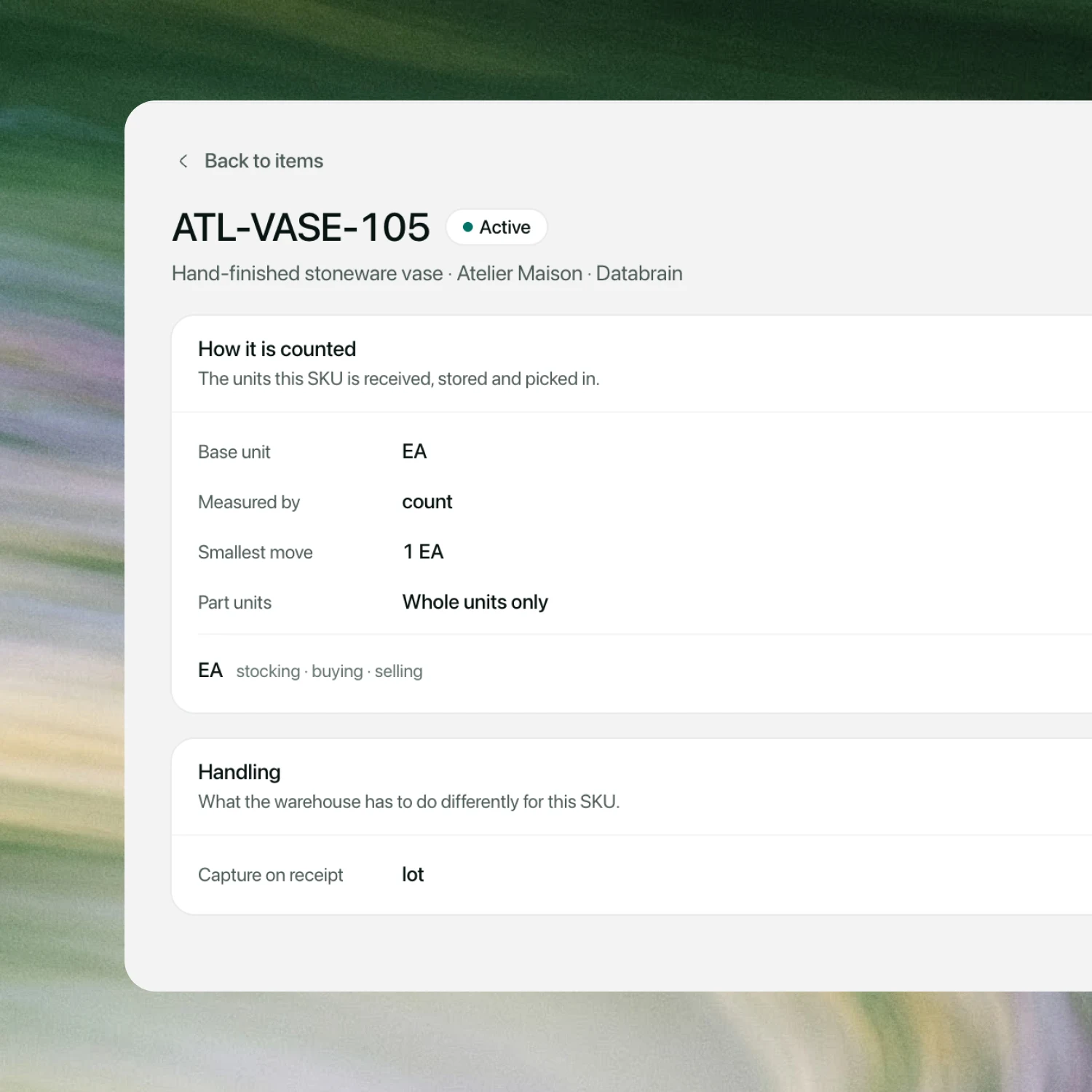
Product visuals may differ while Multideck is in development.
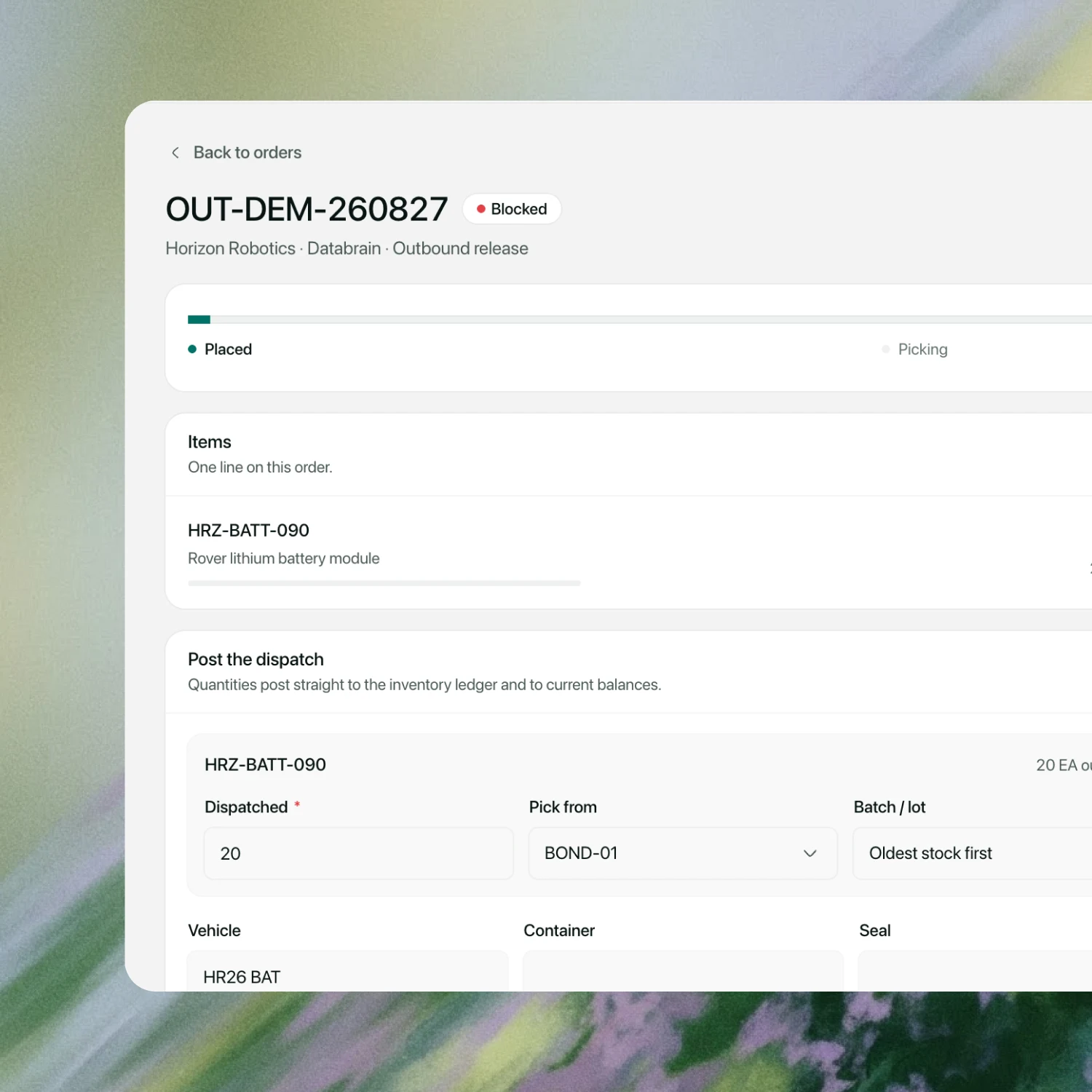
Product visuals may differ while Multideck is in development.
Create the outbound order against available stock, pick from the right location and batch, then post the dispatch with vehicle, container and seal details. The inventory ledger updates from the same order.
Files, receipt and dispatch activity remain attached to the order for review.
Give each customer a scoped warehouse workspace for their own items, balances and movements, inbound requests and outbound orders. Invite their team and choose what each person can do.
Current stock, warehouse objects and movement history for the customer’s own organisation.
Book inbound goods or place an outbound order against the items and stock they can access.
Invite colleagues, set warehouse roles and revoke access without exposing another customer’s records.
Bring one receipt, one stock discrepancy and one outbound order. We will show you the complete loop in Multideck.